Convert handwritten notes to text
Scan notebooks, loose pages, study notes, and meeting notes, then extract text you can copy, edit, and reuse.
OCR handwriting scanner for Android
Turn handwritten notes, class pages, meeting notes, and document photos into editable digital text. Handwriting Converter helps you scan handwriting, recognize words from an image, and save the result as text or PDF.
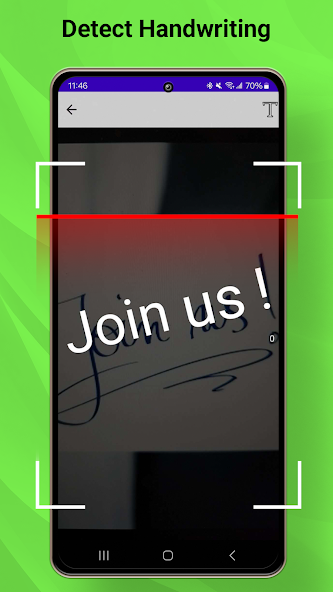
Built for digitizing notes
Use the app as a handwritten notes converter, a camera handwriting scanner, or a simple image to text handwriting tool whenever you need editable text from paper.
Scan notebooks, loose pages, study notes, and meeting notes, then extract text you can copy, edit, and reuse.
Take a picture or use an existing image to run handwritten OCR directly from your Android phone.
Keep converted handwriting as editable text or export scanned handwritten documents into PDF for sharing.
Built for students, teachers, professionals, and anyone who wants to digitize notes without typing them again.
Simple OCR workflow
The app is designed around the search intent behind "how to convert handwritten notes to text": scan, recognize, edit, and save.
Capture a clear image of handwritten text, class notes, forms, or a document page.
The handwriting recognition app detects handwritten words and converts them into digital text.
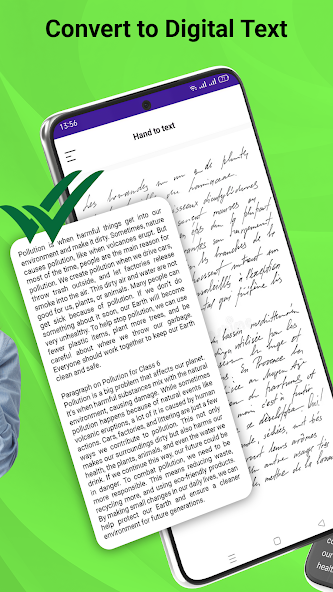
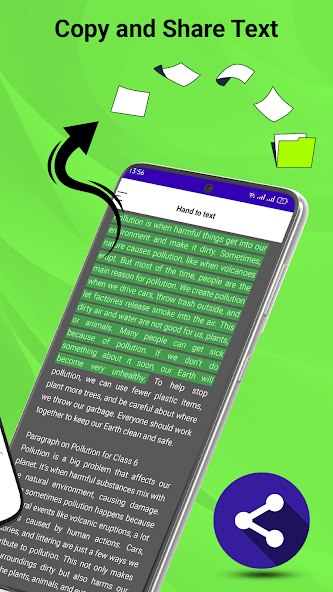
Review the output, copy the extracted text, or save the handwritten scan as a PDF file.
App preview
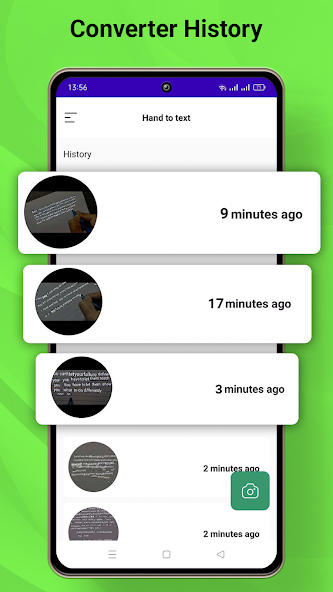
Screenshots from the Android app show the handwriting scanner, OCR result, text extraction, and PDF workflow.
Use cases
Convert class notes, lecture pages, and study material into searchable text.
Digitize handwritten lesson notes, worksheets, and feedback drafts.
Turn meeting notes and whiteboard photos into editable text for follow-up.
Extract text from handwritten pages and keep a clean PDF copy.
Handwriting Converter is an Android handwriting to text converter for people who want to digitize handwritten notes quickly. Instead of retyping a notebook page, you can scan handwriting from a photo and turn it into editable text.
The app supports the core tasks users search for: convert handwriting to text, scan handwritten notes, extract handwritten text from an image, and save handwritten notes as PDF. It is useful when your notes are on paper but your workflow is digital.
FAQ
Yes. You can scan a handwritten note or choose an image from your phone, then use OCR to extract editable text.
Yes. Students can convert handwritten class notes to digital text for studying, copying, editing, and organizing.
Yes. It can scan handwritten document pages and convert the recognized handwriting into text.
Yes. The app includes a PDF workflow so scanned handwritten notes can be saved and shared.
Install Handwriting Converter on Android and turn handwriting into editable text from your next photo scan.